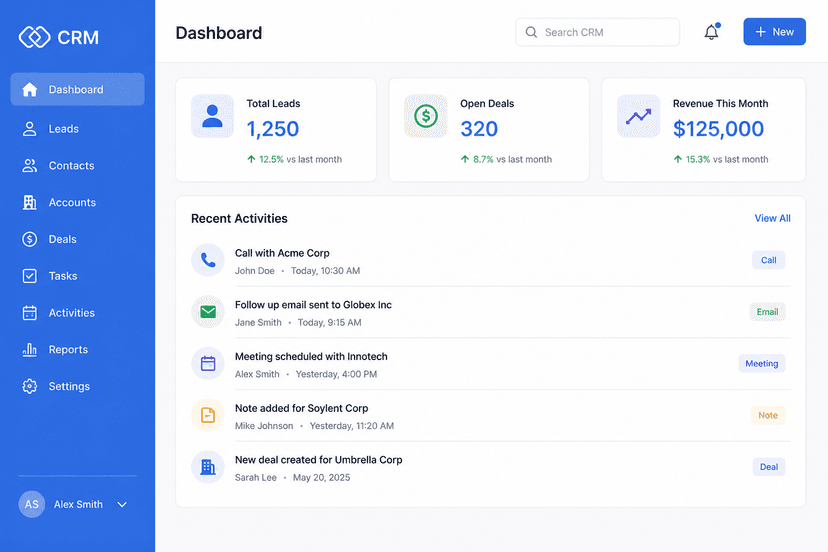
Billing
Professional invoices, built for sending.
Create numbered invoices, link them to customers, download PDFs, and keep drafts and sent bills in one list.
What Invoices does
Document editor
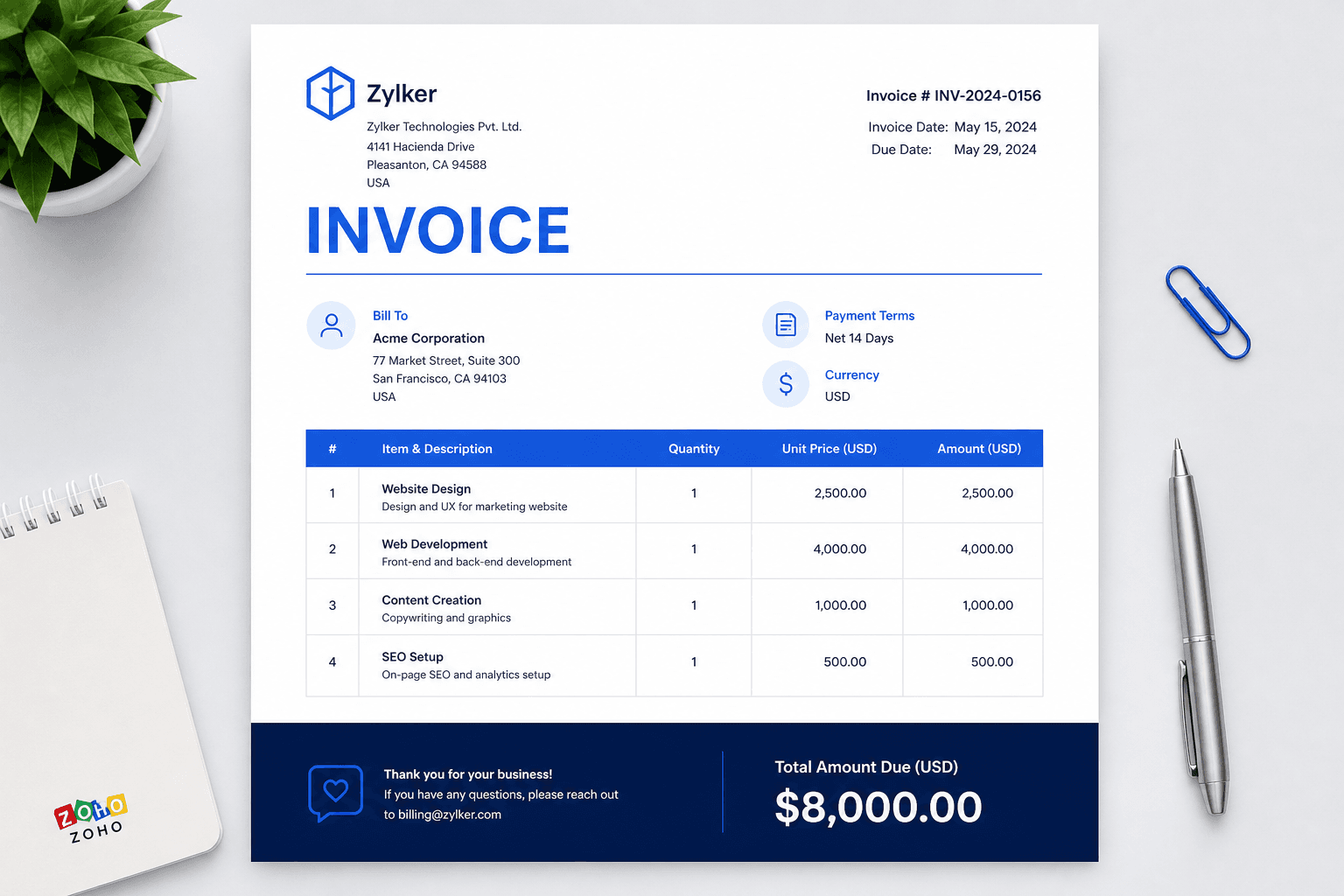
Logo, bill-to, line items, tax, and a navy balance due — the same look on screen and PDF.
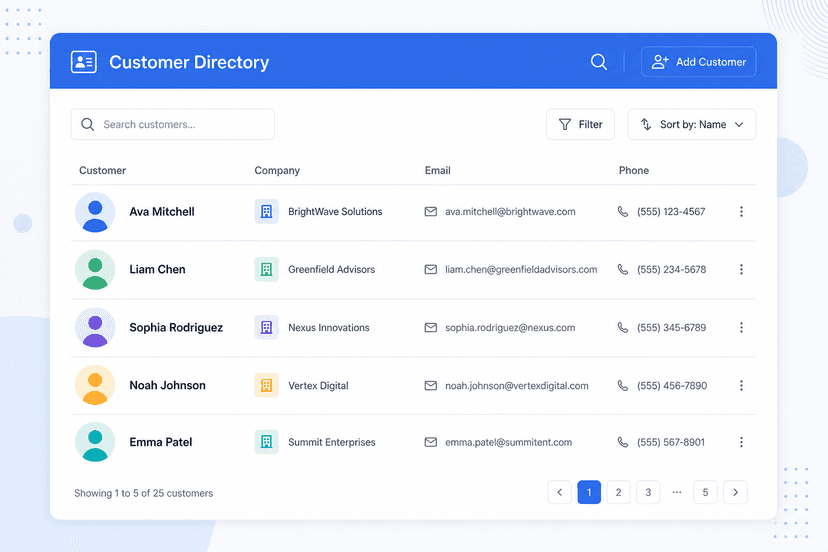
Customer link
Pick a saved customer and fill bill-to, terms, and currency automatically.
All Invoices
Search, open, duplicate, or delete. Status badges show draft vs sent.
How it works
01
Open Invoices
Use All Invoices or New from the top bar.
02
Select a customer
Or type bill-to details by hand.
03
Save or PDF
Keep a draft, print, or send on Pro.